Google Business Profile
How to Set Up a Google Business Profile That Actually Brings Calls (2026)
Claim your profile, use your real sign name and one sharp category, verify cleanly, add daylight photos and build reviews that turn Maps views into calls.
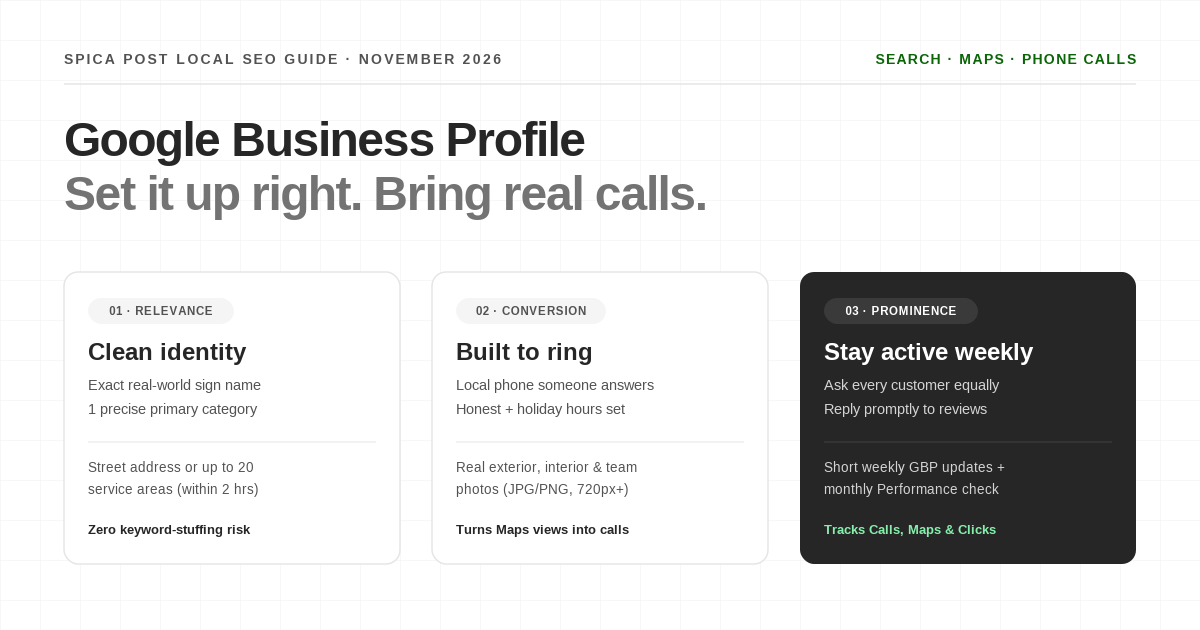
To set up a Google Business Profile that brings consistent local phone calls in 2026, claim or create your listing at business.google.com/add under a Google Account the business owns permanently, enter your exact real-world business name (zero stuffed keywords), choose the single most specific primary category that completes “This business is a…”, place a local phone number someone actually answers behind the Call button, complete verification without editing core fields mid-review, upload sharp daylight photos of your real work, and ask every customer equally for a review.
Most setup checklists stop at “fill out every box.” In reality, the boxes are not equal. Three fields control whether you show up in Google Search and Maps at all, one field decides whether a searcher’s phone call reaches a human or dies in voicemail, and two ongoing habits (real photos and answered reviews) decide whether the customer taps your profile instead of the competitor sitting two pixels below you.
This guide works backwards from the ringing phone: how Google’s three local ranking pillars actually map to setup fields, the exact 8-step setup sequence, the suspension traps that freeze brand-new listings, how to breeze through video or postcard verification, and how to measure whether your profile is earning real calls month after month.
Snapshot verified November 2026. All field rules, photo specifications, review policies, and verification timelines match Google Business Profile’s published guidelines verified in November 2026.
Work backwards from the ringing phone (Google’s 3 local ranking pillars)
Every local call from Google moves through three quick stages: a neighbor searches, your profile qualifies to appear in the Map Pack, and concrete proof convinces them to tap Call.
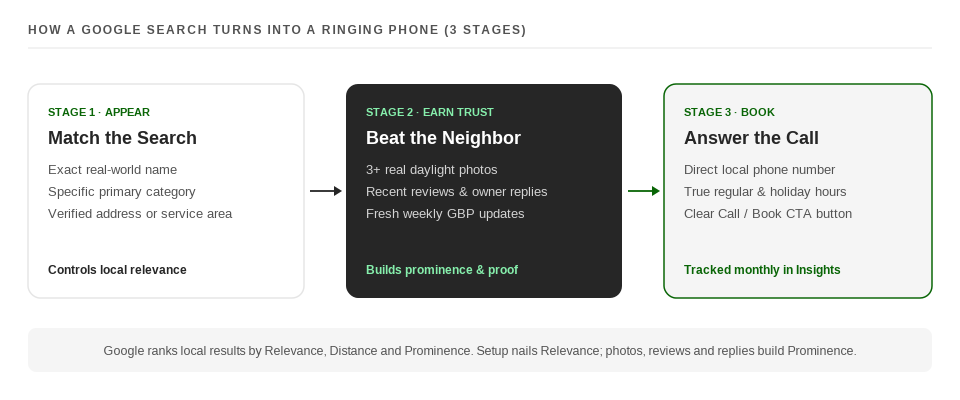
Google’s local ranking documentation explicitly states that local rankings rely on three signals:
- Relevance: How accurately your profile matches what the customer searched (driven heavily by your primary category, secondary categories, services, description, and verified location/service area).
- Distance: How close your business is to the searcher’s phone or named town. You cannot change distance.
- Prominence: How trusted and active your business appears (driven by review count, review freshness, owner replies, real photos, accurate website info, and active updates).
Setup gets Relevance right on Day 1 and builds the foundation for Prominence over the next ninety days.
The 8-step setup checklist (in exact order)
Do these eight steps in sequence so you avoid duplicate listings, ownership locks, or verification resets:
- Search Google Maps for your business name and address first. If an unclaimed listing already exists, click Claim this business rather than creating a duplicate; if an old agency or prior owner verified it, use Google’s ownership-request flow.
- Sign in with an owner-controlled Google Account at
business.google.com/add. Never let a freelancer or temporary employee create the primary Owner account under their personal Gmail. - Enter your exact real-world business name matching your physical storefront sign, invoices, and website.
- Pick your single sharpest primary category. Complete the sentence “This business is a…” as specifically as possible (
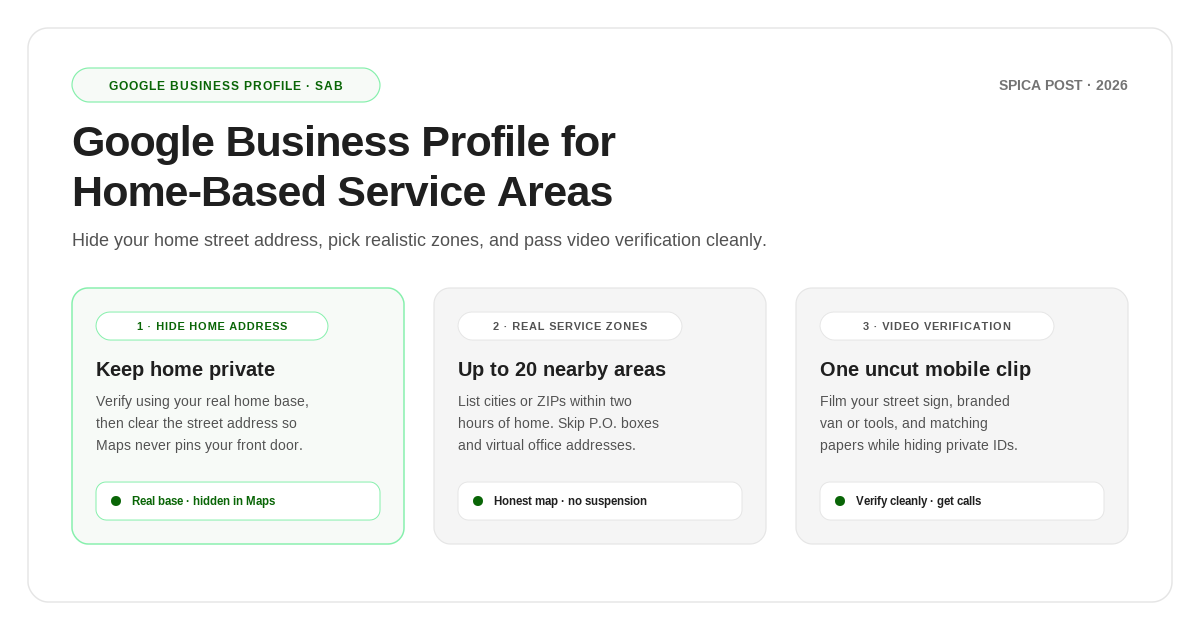
Emergency Plumber,Sourdough Bakery,Family Dentist) rather than picking a broad umbrella (Contractor,Store). - Choose Storefront (street address) OR Service-Area Business. Hide your address if you travel to customers and do not receive walk-ins at home.
- Add a local phone number answered by a real person plus your website (or your branded
/@handleLink Page if you do not have a website yet). - Complete the verification method Google offers (live or recorded video, phone/SMS, email, or postcard).
- Fill in regular hours, upcoming holiday hours, description, services, and daylight photos while verification clears.
Where a single wrong choice quietly costs calls (or triggers suspension)
Google aggressively filters spammy local listings. Knowing the exact boundaries keeps your listing live and ranking cleanly.
| Profile field | What Google rewards | Mistake that costs calls or suspends listings |
|---|---|---|
| Business Name | Exact sign/legal name (Rivera Plumbing) |
Keyword stuffing (Rivera Plumbing 24/7 Emergency Plumber Miami) violates guidelines |
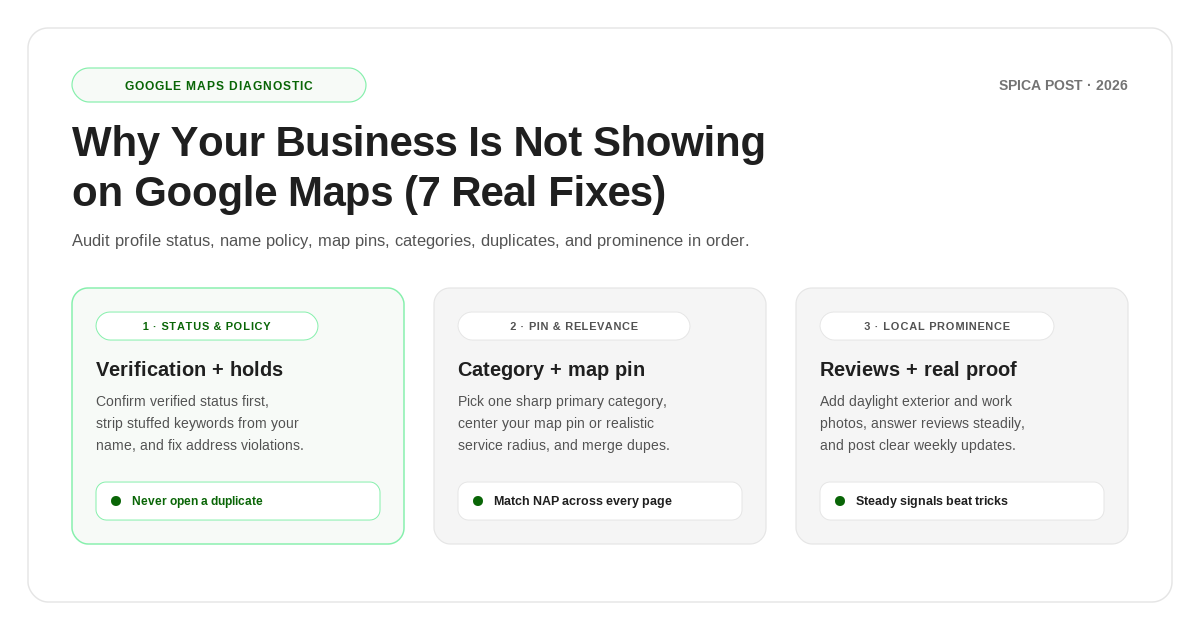
| Primary Category | Most specific match for “This business is a…” | Picking a vague category or adding 8 unrelated secondary categories |
| Address / Service Area | Real storefront with permanent signage, OR hidden home address + up to 20 service areas within ~2 hours’ drive | Listing a P.O. Box, virtual mailbox, UPS store, or making 2 profiles for 1 location |
| Description (750 chars) | Plain summary of what you do, who you serve, where, and years/credentials | Adding links, promo codes, ALL CAPS, or temporary sales text |
| Phone & Hours | Direct local number answered live + holiday hours entered ahead of closures | Routing to an unmonitored voicemail or leaving “Open” showing on holidays |
Writing a 750-character description that converts searchers
Google allows up to 750 characters with no URLs or promo hype. Write directly for the person comparing three local options on their phone:
“Licensed residential electrician serving Kendall, Pinecrest, and South Miami since 2009. We handle breaker panel upgrades, Level 2 EV charger installations, ceiling fan wiring, and same-week troubleshooting with upfront flat pricing before work begins.”
Notice how every phrase reinforces real services, exact neighborhoods, and trust signals without a single spammy keyword list.
If a field asks for your Business Name, write only your actual business name. Put every neighborhood, specialty, and service inside your Categories, Services list, Description, and weekly GBP posts instead.
Verification without headaches: video vs. postcard prep
Google decides which verification options your account sees; you cannot override the list. Most new small businesses in 2026 receive recorded video verification, live video call, phone/SMS, or mailed postcard.
How to pass video verification on the first try
Google’s automated and human reviewers check three proofs inside one continuous, unedited video clip (typically 1 to 2 minutes, no screen cuts):
- Location proof: Start outside showing the street sign, neighboring businesses or house number, and your building exterior (or branded work vehicle parked outside if you are a service-area business).
- Business existence proof: Walk inside (or open the work van) showing permanent signage, tools, equipment, inventory, or official business documents/licenses bearing your exact business name.
- Management proof: Show yourself unlocking the front door, opening the point-of-sale register, or accessing a staff-only area to confirm you actually operate the business.
Postcard and phone-code rules not to break
- Never use an automated phone tree for phone-code verification; answer directly yourself.
- Do not request a second postcard while waiting (codes take up to 14 days and expire after 30 days; requesting a new one cancels the first).
- Do not edit your business name, address, or primary category while verification is pending, or you will reset the code and trigger re-verification.
- After submitting verification, Google notes its review can take up to 5 business days.
Photos, reviews, and weekly posts: why callers choose you over listing #2
Once verified, two neighbors often appear side by side for the exact same search. Real photos and fresh answered reviews decide who gets the tap.
Upload real daylight photos (skip stock art and heavy filters)
Google’s photo specifications recommend JPG or PNG files between 10 KB and 5 MB, ideally at least 720 × 720 pixels, well-lit and sharp without heavy filters. Aim for at least 3 real photos in each category that fits your business:
- Exterior: Approaching from both directions of the street so first-time drivers recognize your door and parking immediately.
- Interior / Workspace: Clean, daylight shots showing what walking in actually feels like.
- Team & Work: Your crew in branded shirts, finished jobs, dishes, or products.
- Permission reminder: Whenever a photo shows a customer’s face, license plate, home interior, or recognizable order, get the customer’s explicit permission first.
Build a steady, compliant review habit
Inside your Google Business Profile dashboard, copy your short Ask for reviews link and turn it into a QR code on receipts, invoices, or your follow-up text message.
- Ask every customer the same way right after a completed job or visit.
- Never offer discounts, freebies, or cash for reviews, and never selectively filter out unhappy customers (“review gating”); both violate Google policy and get reviews stripped.
- Reply to every review within 24 to 72 hours. Google explicitly notes that owner replies demonstrate attentiveness. Use our 4-beat review response templates so replies stay warm and specific rather than robotic.
Post short weekly updates (without getting rejected)
Google Business Profile posts accept up to 1,500 characters (the mobile preview folds around ~120 characters, so put the real news in line 1!), 1 optional JPEG or PNG photo (up to 5 MB), and zero video. Avoid typing raw phone numbers into the body text (Google frequently rejects updates containing unverified phone numbers); use the built-in Call now or Book CTA button instead. Test any draft right now in our free browser-based Google Business Profile Post Previewer.
Measuring real calls (and keeping your profile active effortlessly)
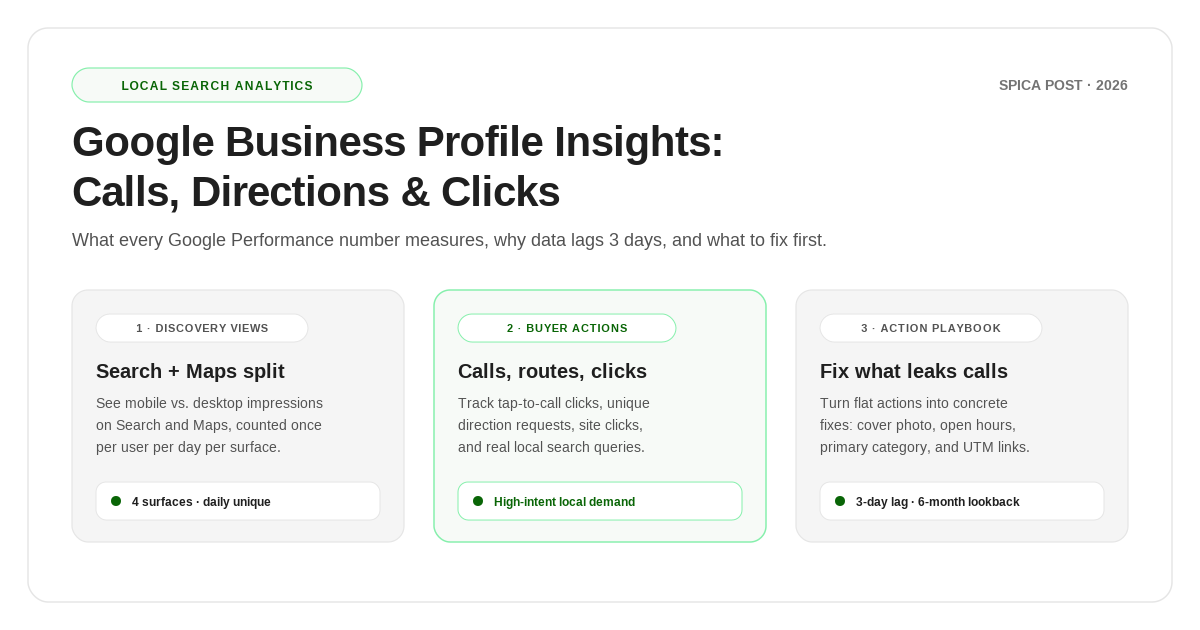
Open your Google Business Profile Performance panel on the first Monday of every month and track three numbers that pay the bills:
- Calls: Every tap on your Call button (only tracks if a phone number is published).
- Direction requests: Real intent from nearby drivers and walkers.
- Website / booking clicks: Shoppers inspecting pricing, menus, or appointment slots.
If calls stay flat after 60 days, audit your primary category, hours accuracy, top 5 photos, and most recent 5 reviews before spending a dime on ads.
Keeping GBP active alongside your other channels with Spica Post
Consistency after month one is where busy owners slip: updating holiday hours, posting one weekly local update, checking Performance numbers, and answering reviews.
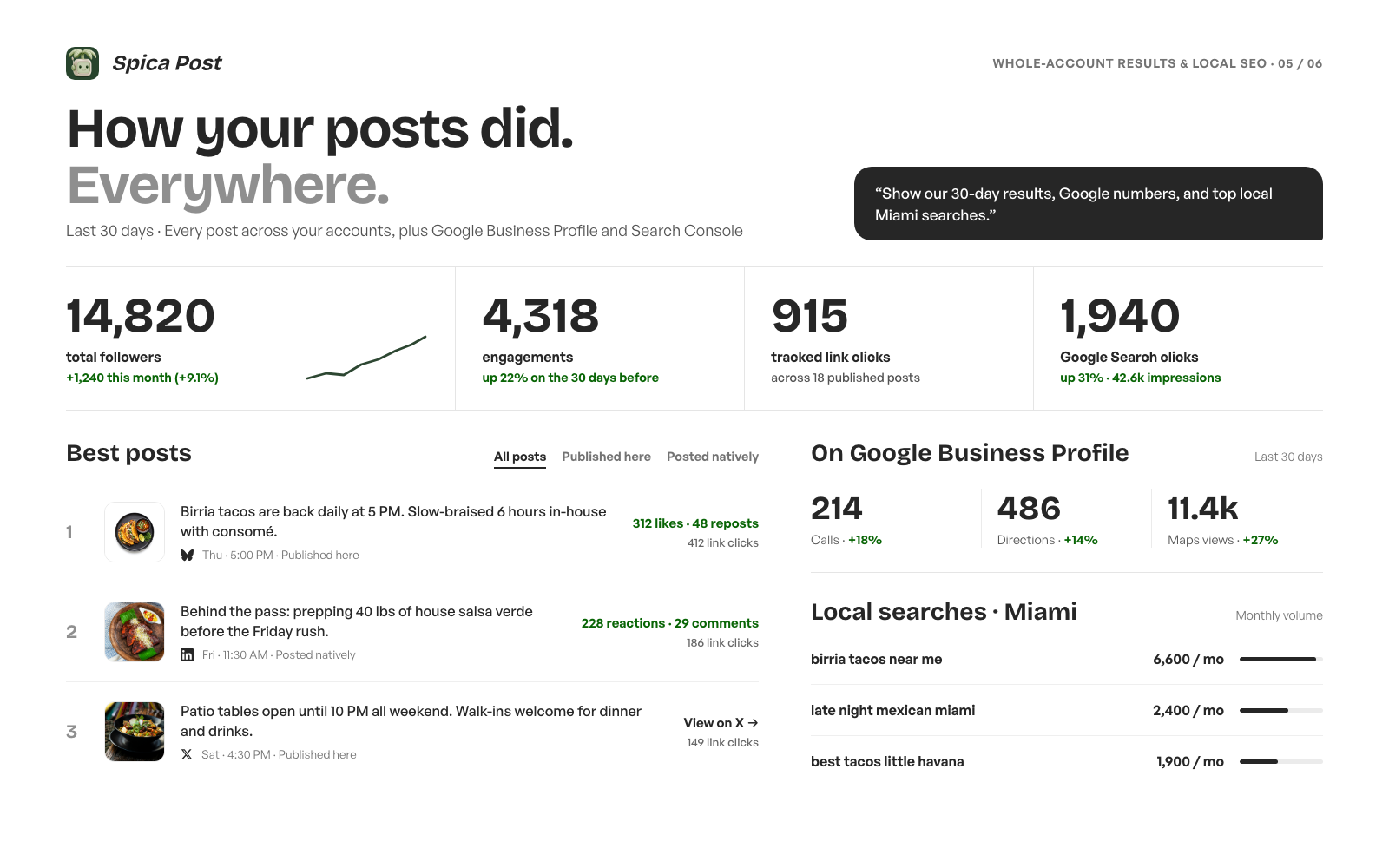
- Built-in Google Business Profile publishing & local Results (Studio, Pro and Agency): Spica Post formats your weekly updates cleanly for Google (stripping stray Instagram hashtags, respecting the 1-photo JPEG/PNG limit, attaching native CTA buttons), tracks “On Google” Calls, Directions, Website clicks, and Maps/Search views right inside
/resultsalongside your social posts, and routes Google Business Profile 1-to-5 star reviews into the Unified Inbox. - Honest rollout note (verified November 2026): Google approved Spica Post’s Business Profile API access and our GBP publishing, Performance Results, and review-reply tools are built in code (see Spica Post’s GBP page and pricing); live customer connections and review replies are completing final profile verification alongside Meta approvals, while X, LinkedIn personal profiles, Bluesky, and Mastodon publish live today. You can already use our free Google Business Profile Post Previewer right now with zero login.
A verified Google Business Profile with an accurate primary category, real daylight photos, answered reviews, and one short update a week brings warmer local leads than almost any paid ad channel in your neighborhood. Set it up clean once, answer the phone when it rings, and check Calls every month.
Questions people ask
- How long does it take to set up and verify a Google Business Profile?
- Filling out the profile takes 20 to 30 minutes if your hours, services and daylight photos are ready. Verification is what takes time: Google notes its review can take up to 5 business days after you verify, and mailed postcard codes typically arrive within 14 days.
- Can I have a Google Business Profile without a storefront or public office?
- Yes. Service-area businesses that travel to customers (such as plumbers, electricians, house cleaners or mobile groomers) hide their residential street address and list up to 20 service areas instead, generally covering no more than about two hours of driving from home base.
- Should I put keywords like my city or services inside my business name?
- No. Google's representation guidelines require the exact name used on your physical sign, website and legal paperwork, and explicitly forbid stuffing extra cities, hours or services into the name. Keyword stuffing risks immediate suspension; put services in categories, descriptions and updates instead.
- How do I know if my Google Business Profile is actually bringing phone calls?
- Open your profile's Performance panel once a month. Its Calls metric counts every tap on your Call button (alongside Direction requests and Website clicks), so compare that monthly trend against the calls your team actually answered.
- Can I offer customers a discount or gift card for leaving a Google review?
- No. Google's user-contributed content policy strictly forbids offering payment, discounts or free goods in exchange for reviews, and forbids asking only customers you expect to be happy. Ask every customer equally using your direct review link or a printed QR code.
Sources
- Google Business Profile Help: Add or claim your Business Profile
- Google Business Profile Help: Verify your business on Google
- Google Business Profile Help: Guidelines for representing your business on Google
- Google Business Profile Help: Manage your service areas for service-area and hybrid businesses
- Google Business Profile Help: Tips to improve your local ranking on Google
- Google Business Profile Help: Tips for business-specific photos on your Business Profile
- Google Business Profile Help: Tips to get more reviews
- Maps User Generated Content Policy: Prohibited and restricted content
- Google Business Profile Help: Understand your Business Profile performance and insights