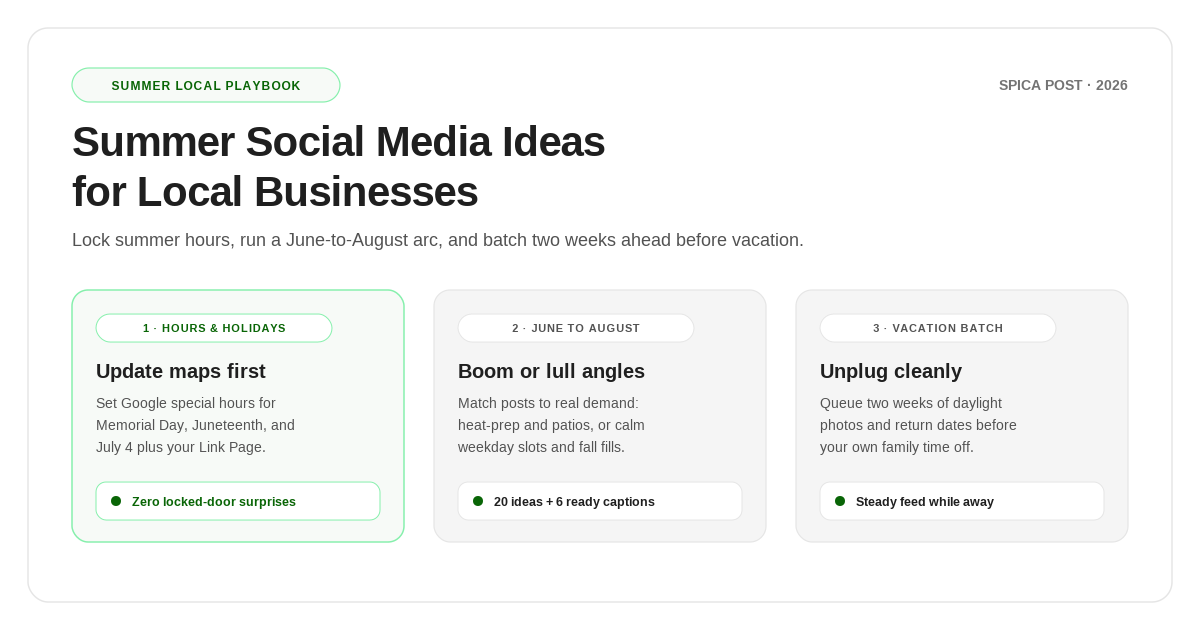
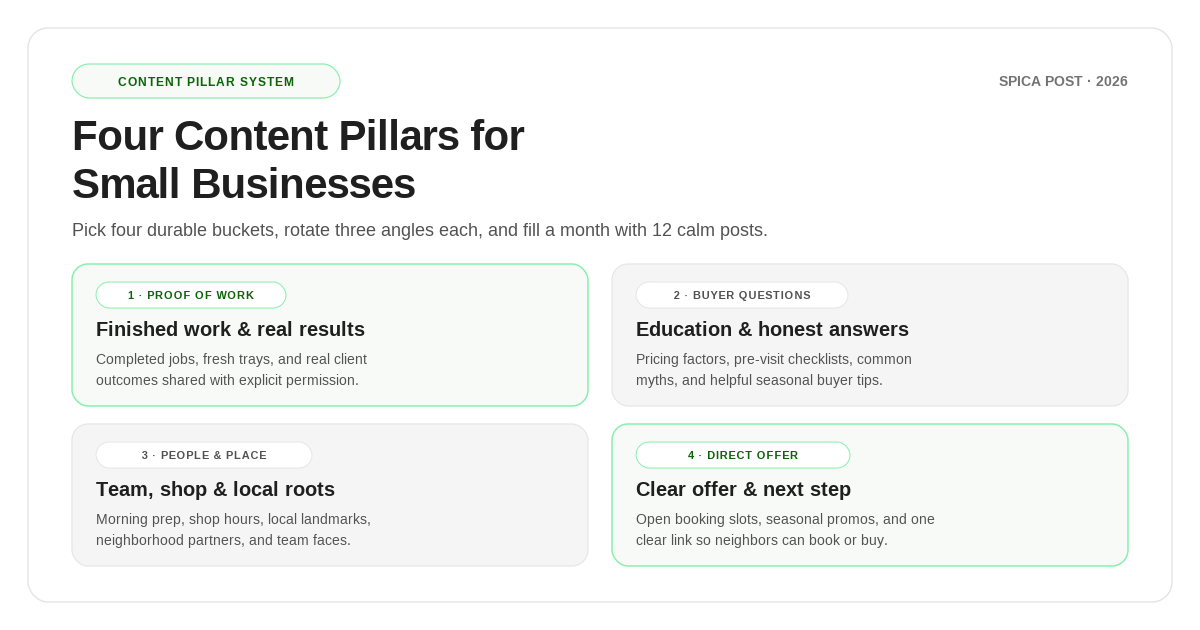
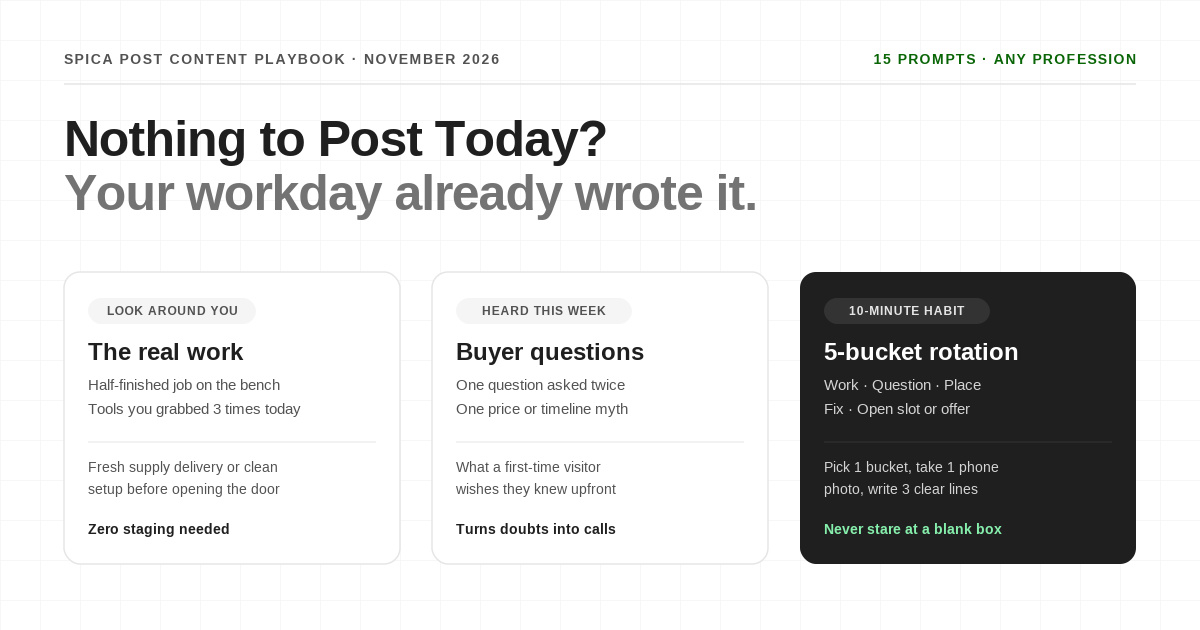
Instagram for a Local Business: Your First 30 Days, Post by Post (2026)
Build a profile neighbors can act on in one tap, pin 3 shop-window posts, and run a 4-week plan of work Reels, Stories, team faces and customer FAQs.
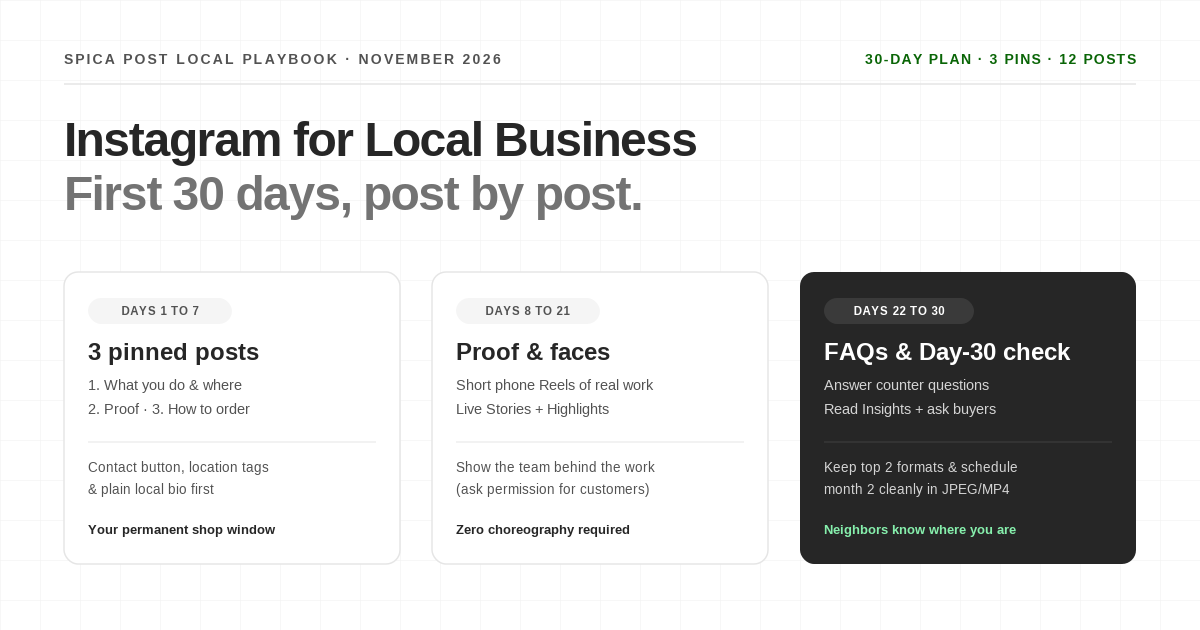
In your first 30 days on Instagram, a local business does not need viral dances, studio lighting, or daily content marathons. Set up a professional profile a neighbor can act on in one tap (plain bio, Contact button, and one clean link page), pin three shop-window posts in Week 1 that answer a stranger’s first three questions, and publish three times a week across four weeks: moving proof of your work (short phone Reels and crisp JPEG photos), the real faces behind the business, and direct answers to counter FAQs, with live 24-hour Stories filling the days in between.
The reason most local Instagram accounts stall after ten days is trying to imitate national lifestyle brands instead of functioning like a friendly neighborhood storefront. Your goal is not 50,000 followers across the country; your goal is 300 nearby homeowners, regulars, and local peers who immediately recognize what you do, trust your craft, and know how to reach you.
This post-by-post 30-day playbook walks through Day 0 setup, Weeks 1 through 4 mapped side by side across four very different local professions (a bakery, a plumber, a nail salon, and a landscaper), the exact Instagram caption fold and JPEG limits to avoid silent errors, and a 60-minute Day-30 review that shapes Month 2.
Snapshot verified November 2026. Professional account controls, pinned-post limits, Stories/Highlights features, and Instagram API publishing rules reflect Meta’s live 2026 specifications.
Day 0: Build a profile a neighbor can act on in 5 seconds
When a local shopper taps your handle from a location tag, a friend’s Story share, or Google, they ask one instant question: “Can I get this, near me, soon?” Your profile must answer before they scroll a single post.
1. Switch to a Business professional account
Instagram offers two free professional types: Business and Creator (you can switch back or change types anytime). Both unlock Insights and profile Contact buttons; local storefronts, salons, clinics, restaurants, and service firms should pick Business, which unlocks full street-address directions, action buttons, and full third-party publishing API support.
2. Write a 3-line bio for a stranger (skip vague slogans)
Every bio line has a job: Line 1: What you sell or fix + your exact town or neighborhoods. Line 2: One clear trust fact or turnaround window. Line 3: One concrete next step pointing to your bio link or Contact button.
- Bakery: “Sourdough & custom cakes in Riverside · Baked fresh Wed–Sun · Order weekend boxes by Thu 3 PM below”
- Plumber: “Licensed plumber · Tampa & Brandon · Same-day leak & water heater repairs · Tap Call or book below”
- Nail salon: “Structured gel & natural nail care · Coral Gables · Open Tue–Sun · Tap Book below”
3. Pair one clean profile photo with one live Link Page
Use your clean logo if locals recognize your storefront sign, or a bright daylight headshot if you are the business. Because Instagram captions still do not support clickable external URLs, put a single tidy /@handle Link Page in your bio holding your booking link, phone, directions, hours, and current offers.
The 30-day local Instagram roadmap at a glance
Three feed posts a week (12 total over 30 days) plus casual 24-hour Stories gives your grid a clear arc without burning out your workday.
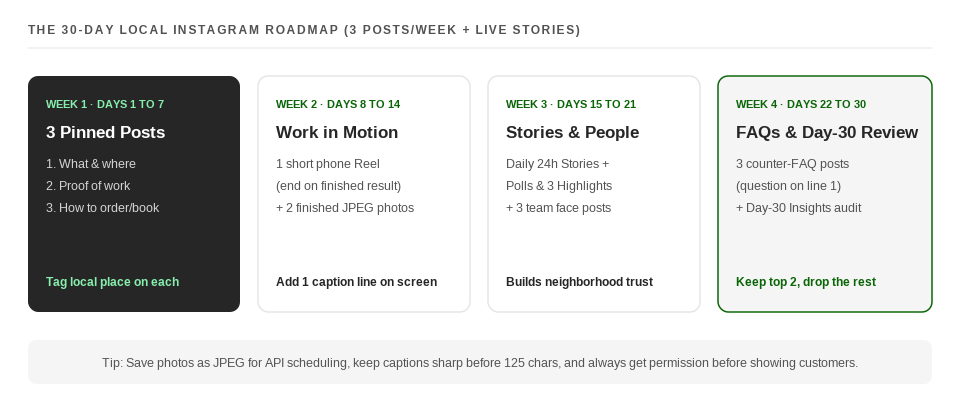
Week 1 (Days 1 to 7): The three posts you pin as your shop window
Instagram lets you pin up to 3 posts to the top of your grid. Treat these first three posts as your permanent digital front window: publish one every other day in Week 1, tag your exact neighborhood or storefront location on every one, and pin all three immediately.
| Pin slot | Stranger’s question | Bakery | Plumber | Nail salon | Landscaper |
|---|---|---|---|---|---|
| Pin 1 | What do you do, and where? | The pastry counter at 7 AM with the street sign visible outside | Branded service van parked on a neighborhood street | Bright interior room, chairs, and front door sign | Crisp finished front lawn on a recognizable local street |
| Pin 2 | Are you actually good at it? | 5-slide carousel of this week’s bakes in daylight | Side-by-side before & after of a clean copper repair | Close-ups of 5 distinct gel sets in natural light | Before & after of a clean yard overhaul from the same corner |
| Pin 3 | How do I buy, book, or call? | Order steps, Thursday cutoff, pickup hours, and street address | What happens when you call, service areas, and emergency hours | Booking steps, deposit policy, and how far ahead slots fill | How free estimates work, service radius, and seasonal windows |
Write Pin 3’s caption as if it is the only text a customer will ever read, putting the key action inside the first 125 characters before Instagram collapses the rest behind “…more”.
Tag your real local Location on every single feed post and Reel in your first 30 days. Locals browsing their neighborhood tag or nearby shops discover location-tagged posts even when you start at zero followers.
Week 2 (Days 8 to 14): Show the real work moving (1 short Reel + 2 photos)
Static logos rarely get shared to a friend’s DMs; watching skilled hands finish real work does. Week 2 introduces one simple phone Reel plus two clean finished-work JPEG photos.
How to film a 15-second work Reel with zero choreography
Skip trending dances, lip-syncs, and scripts. Prop your phone in bright natural light (or have a teammate hold it steady for 12 seconds) and film the work happening:
- Bakery: A serrated knife slicing through a warm crusty sourdough loaf, steam rising.
- Plumber: Removing a corroded valve and tightening a gleaming brass replacement, ending on dry pipes and clean pressure.
- Nail salon: Three 2-second clips of prep, brush stroke, and topcoat, finishing with a 4-second clear shot of the completed hand.
- Landscaper: One steady 10-second walk along a freshly edged stone border and trimmed lawn.
Add one short line of plain text on screen (“Fresh cardamom buns · Saturdays 8 AM till sold out in Riverside”) for everyone watching muted, and end cleanly on the finished result.
Pair the Reel with two plain finished-work photos
Post two crisp single-photo updates (JPEG format) with three concise sentences each: what it is, who it is for, and the single next step. Check your 125-character caption fold live in our free Character & Post Checker.
Week 3 (Days 15 to 21): Turn on Stories, build 3 Highlights, and show real faces
Now that your grid already holds six clear posts, turn on Stories for what is true today and dedicate your three feed posts to the real people behind your shop.
Three effortless Story formats (and which ones to save to Highlights)
Stories expire in 24 hours, which removes perfection pressure:
- Right-now moments: “Second tray of croissants just hit the case”, “One 2:30 PM haircut cancellation just opened today”, “Loading the van for two morning installs in South Tampa.”
- One-tap Poll or Question stickers: Ask something genuinely helpful (“Next Saturday’s muffin flavor: lemon poppy or blueberry?” or “Any water-heater questions before the cold snap?”).
- Save 3 permanent Highlights: Group lasting Stories into three clean profile circles: Hours & Map, Services / Menu, and Reviews / Results so new visitors never have to hunt for basics.
Three “People” feed posts (and the customer permission rule)
Spend your three Week 3 feed slots introducing who opens the shop at 5 AM, who shows up at the customer’s door, or what your team specializes in: one warm daylight portrait and two honest sentences each. People buy faster from familiar faces.
Strict permission rule: If any feed post, Reel, or Story shows a customer’s face, child, home exterior, or recognizable personal order, ask the customer’s explicit permission first (ideally in writing via text or DM) before posting.
Week 4 (Days 22 to 30): Answer counter FAQs and run your Day-30 audit
Dedicate your three Week 4 posts to the exact questions customers repeat on the phone and at the counter:
- Bakery: “Can you make a custom cake by Saturday?” (exact cutoff day and why)
- Plumber: “Is a dripping water heater an emergency?” (two quick checks before calling)
- Nail salon: “How long should a structured gel manicure actually last?” (honest timeline + care tip)
- Landscaper: “When should I book spring yard cleanup?” (booking window before slots fill)
Put the exact customer question on line 1 of the caption (or slide 1 of a 4-slide carousel: Question -> Short Answer -> Key Detail -> Photo of Work + Call to Action).
Your 60-minute Day-30 review (how to make Month 2 twice as effective)
On Day 30, pause creating and review five concrete signals:
- Open Professional Dashboard -> Insights and list your top 3 posts by Shares, Saves, and Profile Visits (ignore vanity likes alone).
- Ask customers who walked in or booked this month “How did you hear about us?” and jot down every Instagram mention.
- Keep the top 2 post formats that drove real DMs, taps, or visits, and drop whichever format got crickets.
- Pick your permanent 3 posting days per week for Month 2 (batching 12 posts in one sitting using our monthly batching playbook).
- Check your 3 pinned posts: if a newer Week 2 or Week 4 post clearly outperformed Pin 2, swap it into the pinned showcase.
Keeping Month 3 going without burning out (plus Instagram API rules)
Month 1 feels exciting; Month 3 hits right when your shop is slammed. Scheduling your steady 3 weekly feed posts and carousels ahead keeps your grid warm while you stay live on Stories and DMs.
Watch two Instagram technical requirements whenever you schedule posts through any tool:
- JPEG photos or MP4 videos only: Instagram’s official publishing API rejects PNG, WebP, and raw iPhone HEIC files (and rejects text-only posts). Exporting photos as clean JPEG avoids 90 percent of scheduling failures.
- Keep hashtags crisp (3 to 5 specific tags): Instagram’s hard limit is 30 hashtags, but 3 to 5 concrete neighborhood and profession tags (
#RiversideBakery,#TampaPlumber) read cleaner and avoid spammy clutter.
How Spica Post supports Instagram (including honest rollout status)
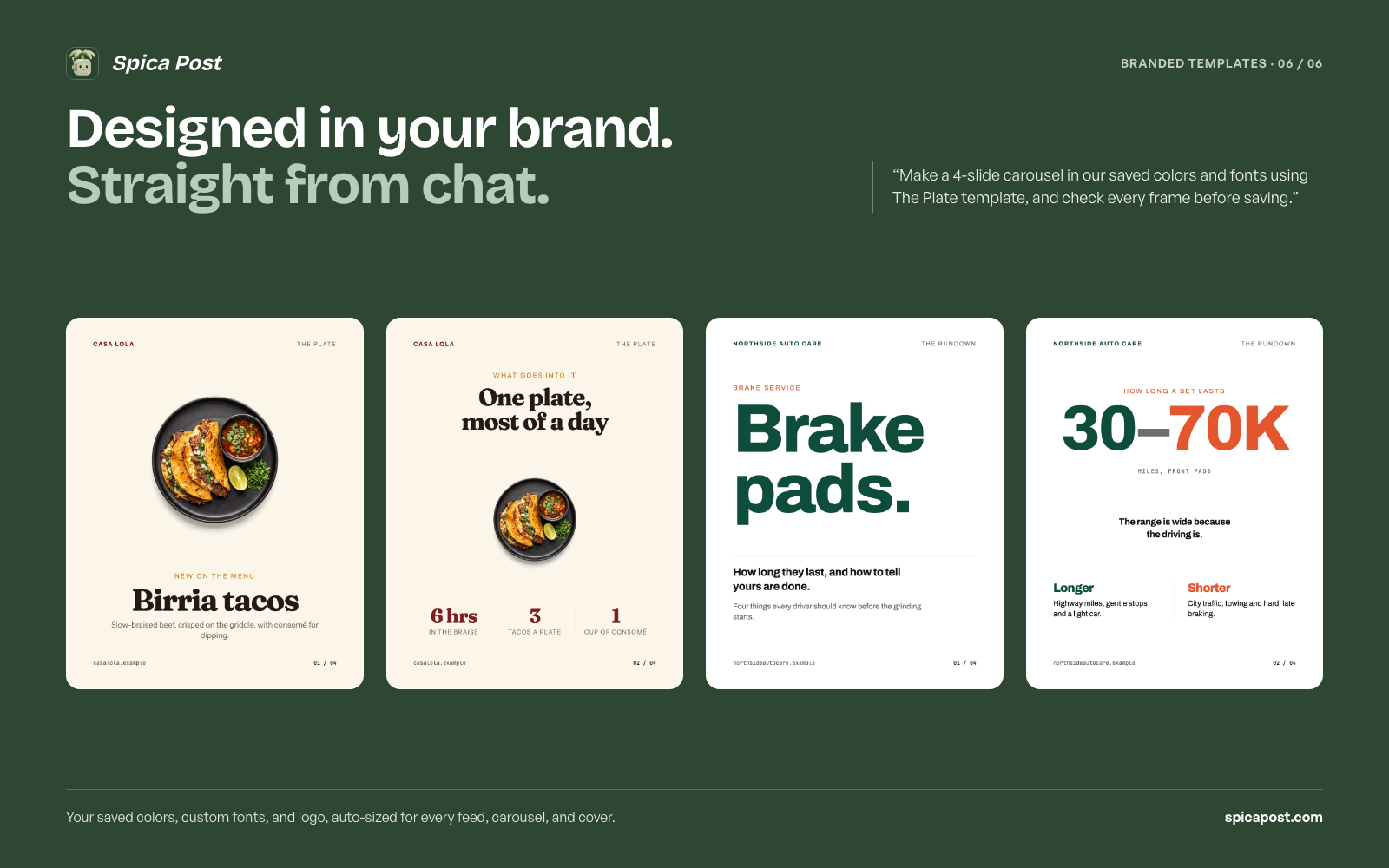
- Branded templates, scheduling, Unified Inbox & Comment-to-DM Auto-Replies: Spica Post builds Instagram-ready carousels and single-image graphics directly in your brand colors, fonts, and logo, pairs them with your
/@handleLink Page and tracked/l/<code>short links, routes Instagram comments into the Unified Inbox, and supports comment-keyword auto-replies (for example replying to"MENU"or"BOOK"with your direct link). - Honest rollout note (verified November 2026): Our Instagram publishing adapter (supporting JPEG photos, carousels, and MP4 Reels), comment-webhook Unified Inbox, whole-account Results sync, and Auto-Reply DM tools are built in code and currently awaiting Meta app review approval before opening live to all customers (check our Instagram page and pricing; X, LinkedIn personal profiles, Bluesky, and Mastodon publish live today). Drafts you write for Instagram wait cleanly via
drafts_holduntil your account connects.
Schedule your 3 weekly feed posts and Reels ahead so your shop window stays open even during your busiest week, and keep 24-hour Stories and DM replies live and human.
Questions people ask
- Should a local business use a Business or Creator account on Instagram?
- Both are free professional accounts that unlock Insights and a Contact button. Shops, salons, restaurants and local service companies usually choose Business (which also unlocks full scheduling API features and address buttons); solo personal brands sometimes choose Creator. You can switch later without losing posts.
- What three posts should a local business pin to the top of its Instagram grid?
- Pin three posts that answer a first-time visitor's three instant questions: 1. What you do and exactly where you are, 2. Concrete proof of your best work, and 3. Exactly how to book, order or visit. Instagram allows up to three pinned posts.
- Does a local business have to dance on Reels, or are photos enough?
- No dancing or trending skits needed. Clean JPEG photos and carousels are plenty to start, and when you film a short 10-to-20-second Reel on your phone, simply film the real craft in motion (slicing a loaf, repairing a leak, finishing nails, trimming a yard) and end on the finished result.
- What should a small business post on Instagram Stories?
- Share what is true right now: today's fresh bake, two afternoon appointment openings, or heading out to a neighborhood job. Stories vanish after 24 hours, so save lasting answers (Prices, Hours, Service Area, How to Book) into permanent Highlights.
- What technical limits cause Instagram posts to fail when scheduling?
- Instagram requires at least 1 attached photo or video (no text-only posts), caps captions at 2,200 characters (folding around ~125 characters) and 30 hashtags max, and its publishing API strictly requires JPEG photos (rejecting PNG, WebP and iPhone HEIC files).
Sources
- Instagram Help Center: About professional accounts (Business vs. Creator)
- Instagram Help Center: Add an action button (Contact) to your profile
- Instagram Help Center: Pin a post to the top of your profile
- Instagram: Stories (24 hours, Highlights, Polls and Question stickers)
- Instagram Help Center: Add a location before sharing
- Meta Instagram Platform Content Publishing API (JPEG & carousel rules)