Writing
How to Write a Social Post When You Have Nothing to Say
Blank screen on a quiet Tuesday? Use a 5-bucket rotation and 15 prompts to turn ordinary workdays, tools and customer questions into clear posts.
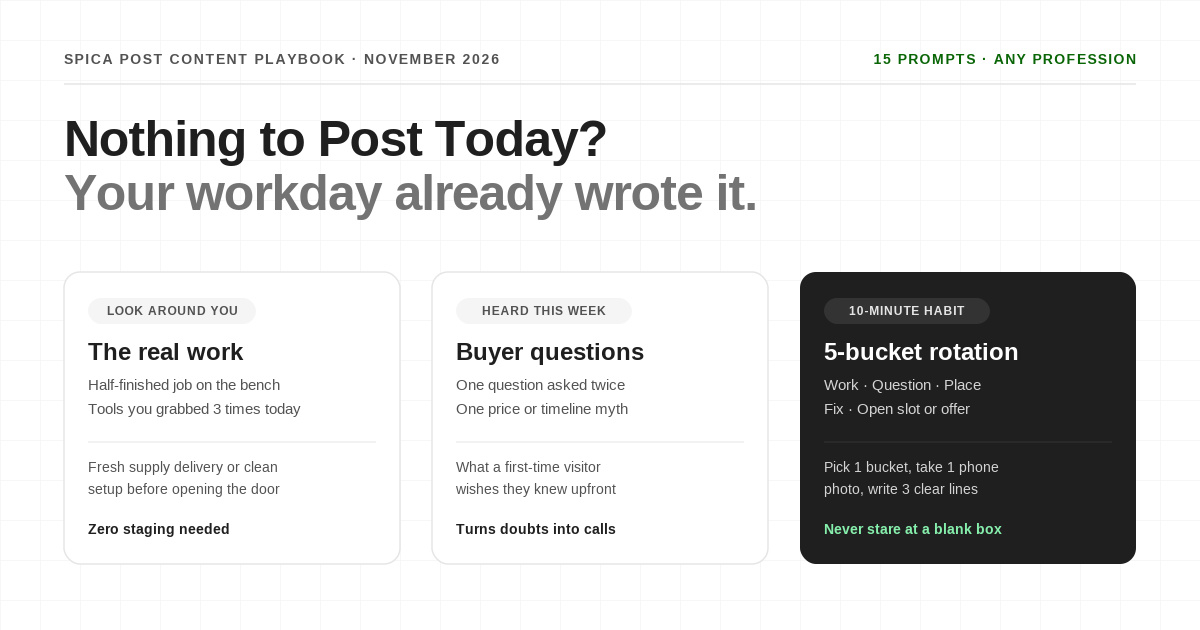
When you stare at an empty post box and feel like you have nothing to say, the problem is almost never that your business is boring. The problem is that you are looking for news when your customers only need proof. Your workday already handed you three solid posts before lunch: the thing currently sitting on your desk or counter, the question someone asked you on the phone yesterday, and the tiny detail that separates a good job from a sloppy one.
Big brands invent campaigns because nobody can walk past their headquarters and smell fresh bread or watch them fix a furnace. Small businesses and creators have the opposite advantage: real work happens right in front of you every single day, and what feels completely routine to you after five years in your profession looks genuinely useful and reassuring to a first-time buyer.
This guide gives you a simple five-bucket fallback rotation so you never start from a blank screen again, 15 specific prompts you can shoot on your phone in under five minutes, a three-sentence writing formula for zero-friction captions, copy-ready fill-in-the-blank templates, and a tiny phone-note habit that builds a permanent bank of ideas while you work.
Why “having nothing to say” is actually a good sign
Most owners freeze because they think a social post has to be big: a grand opening, a massive discount, a viral reel, or a clever joke. Waiting for big news means going silent for six weeks, then panicking and posting a generic “Happy Friday!” graphic that helps nobody.
Customers deciding whether to book, visit, or buy from you are usually looking for much quieter signals:
- Are you still open and active this week? (A profile whose last post is four months old makes people wonder if you closed.)
- Do you actually know your craft? (One plain photo of real work answers that faster than ten adjectives.)
- Are you easy to deal with? (How calmly you answer a basic question tells a stranger how you will treat them in person.)
Ordinary Tuesday updates answer all three questions effortlessly. You do not need announcements; you need visibility into the work you are already doing.
The five-bucket fallback rotation
Whenever your mind goes blank, stop trying to invent a fresh theme. Point at the next bucket in this five-part loop and take the very first real example sitting near you.
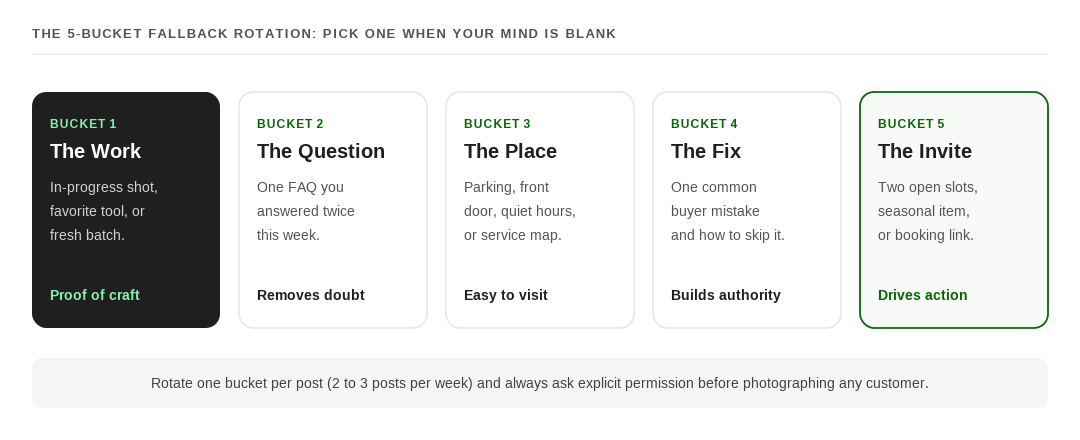
- Bucket 1 · The Work: Show something in motion, freshly delivered, freshly cleaned, or just finished.
- Bucket 2 · The Question: Answer one plain question a buyer asked by phone, email, DM, or across the counter.
- Bucket 3 · The Place: Make visiting or hiring you feel easy (parking, entrance, hours, quietest times, or the towns you drive to).
- Bucket 4 · The Fix: Name one common mistake customers accidentally make before calling you, and share the quick way to avoid it.
- Bucket 5 · The Invite: State one concrete opening, seasonal item, gift option, or easy way to book right now.
If you post two or three times a week, this single five-bucket loop carries you across two full weeks before you ever repeat a category, and your feed naturally balances proof, helpfulness, and sales without ever feeling pushy.
15 zero-fluff post prompts pulled straight from an ordinary day
Pick any one prompt below, take one bright phone photo (near natural window light, lens wiped clean), and write three to four sentences. Remember: whenever any photo includes a customer, their family, their home interior, their car plate, or an identifiable order, always ask the customer for explicit permission first.
From Bucket 1: The Work (proof of craft)
- The mid-job photo: Snap something halfway done (dough proofing, fabric pinned, wires labeled, a rough wireframe on paper) and explain the next step in two lines.
- The tool you reached for three times today: Photograph one worn, dependable tool, ingredient, or software screen and tell people why you refuse to cut corners on it.
- The fresh box on the counter: Show a newly unpacked supply box or seasonal shipment before it even hits the shelf or menu.
- The quiet 10-minute prep: Show what your workspace looks like 15 minutes before you open doors or join your first client call.
From Bucket 2: The Question (removing buyer hesitation)
- The “how long does it take?” answer: State honestly how long a standard appointment, turnaround, repair, or delivery actually takes so people can plan their week.
- The price-factor breakdown: Explain the two or three real things that change a quote (size, materials, timing, prep work) without hiding behind vague buzzwords.
- The first-timer walkthrough: Tell someone who has never hired a business like yours exactly what happens in the first ten minutes after they walk in or submit a form.
- The two-option comparison: Hold two popular choices side by side (e.g., matte vs. gloss, quick tune-up vs. full overhaul, light roast vs. dark roast) and explain who each one suits best.
From Bucket 3: The Place (making it effortless to choose you)
- The exact parking and door shot: Stand on the sidewalk or driveway and take a clear picture of your front sign and door, plus one sentence on where to park or which bell to ring.
- Your quietest hours of the week: Tell customers who dislike crowds or waiting which mornings or afternoons are the calmest time to stop in or book.
- Your real service area: Name the exact three to five neighborhoods or towns you actually serve, especially if people outside your immediate street assume you will not drive to them.
From Bucket 4: The Fix (quiet authority)
- One tiny maintenance tip: Share a two-minute habit that makes what you sell or install last twice as long (cleaning a filter, storing fresh herbs, washing knitwear, backing up a site).
- The warning sign people ignore too long: Describe one early sound, symptom, or detail that is cheap to fix early and expensive if ignored until next month.
From Bucket 5: The Invite (clear next step)
- Two real open slots: Instead of saying “Book now!”, list the exact remaining openings on your calendar this week (for example, “Thursday at 2:00 PM and Friday at 10:30 AM”).
- Your simple repeat reminder: Re-introduce yourself once a month in four lines: your name, what your business does, who you help best, and how to reach you. New people find your page every week who missed your older posts.
If you want prompts tailored directly to your exact business type, browse our post ideas library for 200+ professions for concrete weekly examples.
How one ordinary prompt works across six different professions
Notice how the exact same simple prompt (“The tool or ingredient you trust most”) translates cleanly across totally different businesses without needing creative genius:
| Profession | What you snap on your phone | Plain 2-sentence caption idea |
|---|---|---|
| Bakery or cafe | Bag of local flour or espresso scale on the bar | “We weigh every single shot to the tenth of a gram at 6 AM so Tuesday’s latte tastes just as steady as Saturday’s. Stop by Oak Street until 3 PM.” |
| Plumber or HVAC tech | Brass shut-off valve held beside a cheap plastic one | “This is why we only install quarter-turn brass valves under kitchen sinks: plastic handles snap right when you actually need to stop a leak. Calling across Mesa all week.” |
| Hair salon or barber | Clean tray of combs, shears, and cape before first client | “Twenty minutes between appointments is not wasted time: every comb and guard gets sanitized cleanly before the next chair opens. Two spots left Thursday afternoon.” |
| Accountant or bookkeeper | Simple checklist folder or tidy spreadsheet tab | “One habit that saves small business owners hours every January: one separate checking account strictly for business expenses. Still taking two Q1 cleanup clients.” |
| Retail boutique or florist | Fresh bucket of stems or neatly steamed rack | “Fresh eucalyptus and ranunculus just came off the truck and will hold cleanly on a dining table all week. Open until 6 PM today.” |
| Freelance designer or creator | Sketchbook next to a laptop mockup | “Every clean homepage starts as an ugly five-minute box sketch on scrap paper so we fix layout confusion before touching colors. Opening one project slot for next month.” |
The three-sentence formula when writing feels stiff
Once you pick a prompt and take one clear photo, resist writing an essay. Almost every great small-business post fits three plain sentences:
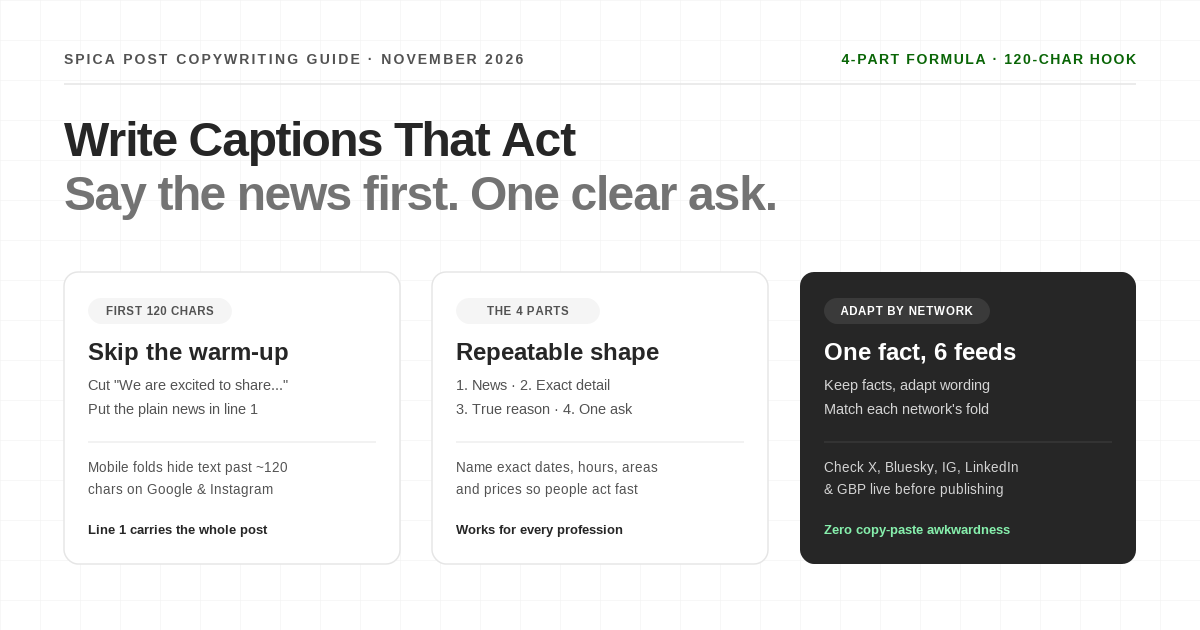
- Sentence 1 (What is in the photo or what just happened): Start directly with the concrete noun or buyer question, skipping throat-clearing openers like “We are excited to share…”
- Sentence 2 (Why it matters to the customer): Connect that detail to their time, wallet, comfort, or peace of mind.
- Sentence 3 (One simple next step): Give exact hours, a location cue, a link, or an invitation to ask a question in the comments.
For deeper headline and opening-line examples across Instagram, Facebook, Google, and LinkedIn, pair this formula with our guide on how to write a social media caption that gets a customer to act.
Three copy-ready templates for zero-inspiration days
Keep these three templates saved in your phone notes. Each takes roughly two minutes to fill in and works cleanly across Google Business Profile, Instagram, Facebook, LinkedIn, Bluesky, and X (trimming slightly for shorter networks with our free Character & Post Checker).
Template 1: The quiet mid-week proof post
Working on [specific item, dish, or repair] this morning at [Business Name].
Most people do not realize [one practical detail that makes the work last longer or taste better], so we always take an extra minute on [step].
Open [today’s hours] in [Town/Neighborhood] or message us if you want to schedule yours for next week.
Template 2: The repeated-question post
Quick answer to a question we heard twice this week: [exact customer question]?
Short answer: [plain, honest answer in 1 to 2 sentences, including any timeframe or prep needed].
Drop any other questions about [your service/product] below or see full details at [link].
Template 3: The open-slots post
Two quick openings popped up on our calendar for [Day 1 at Time] and [Day 2 at Time] in [City].
Great fit if you have been putting off [specific 30-to-60-minute service].
Grab either spot here: [booking link] (or reply here and we will hold it for you).
Build an automatic idea bank in 30 seconds a day
The real reason blank-screen syndrome hits on Sunday night is trying to remember an entire week of work from memory while sitting on the couch. Fix it with one tiny daytime habit:
Create a single pinned note on your phone titled “Post Fuel” and one album in your camera roll titled “Ready Photos.” Every time a customer asks a good question, you finish a clean job (with permission to photograph if identifiable), or a fresh shipment lands on the counter, drop one 5-word bullet into the note and snap two bright vertical or landscape photos into the album.
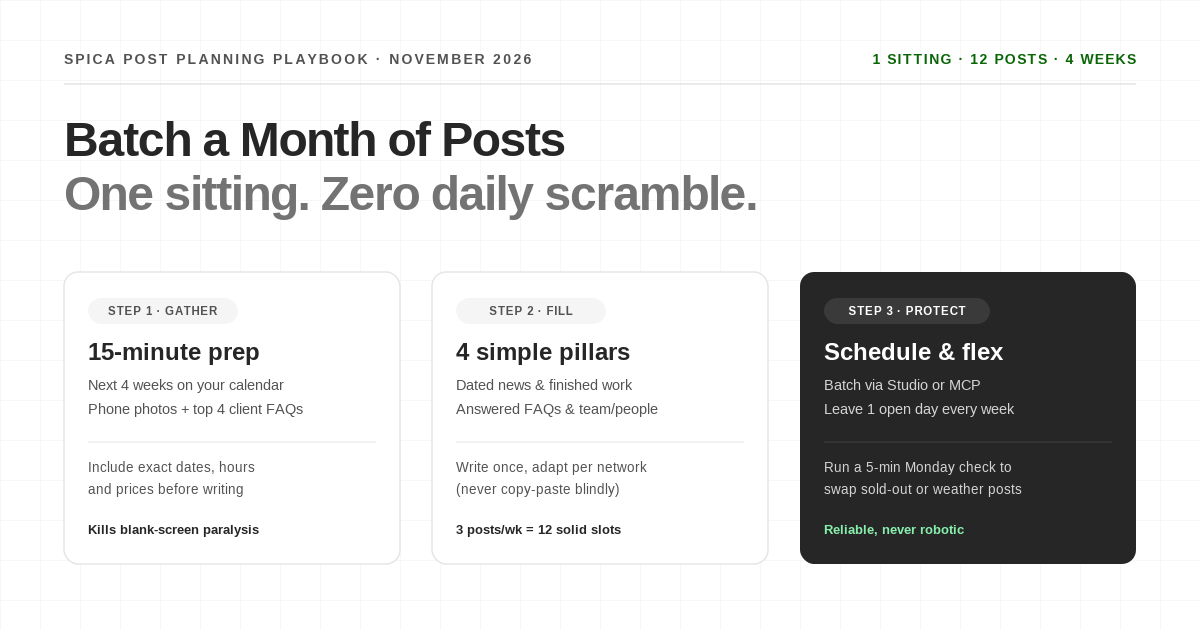
Then, once every two to four weeks, sit down with your note and album and follow our guide on batching a month of social media posts in one sitting. When you already have twelve real moments written down, drafting a month of clear posts takes under an hour instead of feeling like homework.
Turn one rough note into ready-to-approve posts across your channels
If writing separate versions for every network is the part that slows you down, you do not have to rewrite the same note four times by hand.
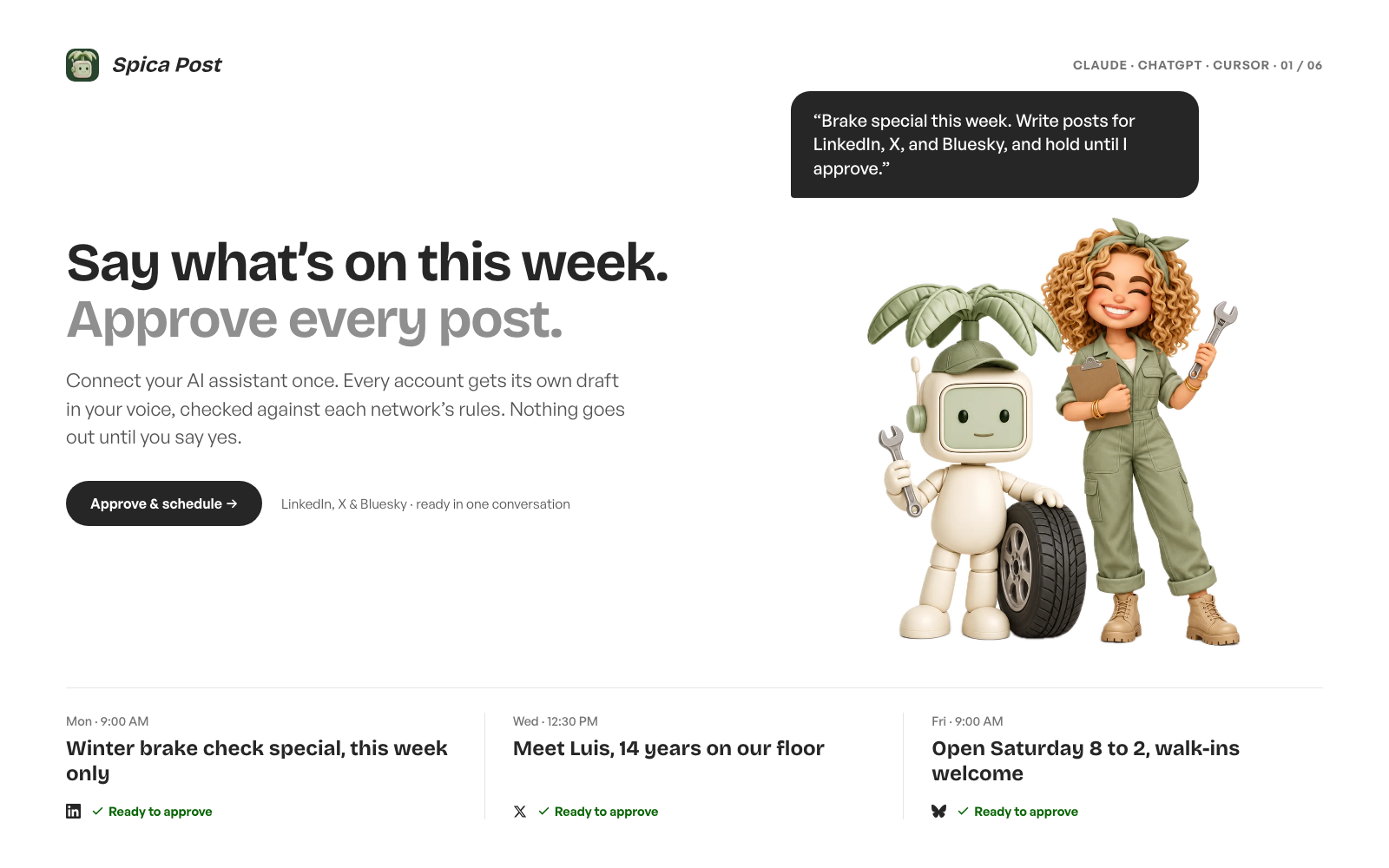
With Spica Post, you can drop three rough bullets from your phone note plus a real photo into the AI assistant you already use, and it drafts channel-ready versions shaped to each network’s character limits and tone. Every post stays in draft until you review and approve it, then schedules cleanly onto your calendar.
Right now, Spica Post publishes directly to X, LinkedIn personal profiles, Bluesky, and Mastodon. Integrations for Google Business Profile (API approved, completing profile verification), Instagram, Facebook Pages, Threads, TikTok, YouTube, Pinterest, and LinkedIn Company Pages are built and finishing platform review and verification. You can review flat workspace plans and live network availability on our pricing page.
Next time the post box looks completely blank, step away from the screen for sixty seconds, look at what is sitting right on your workbench or counter, answer one question a real customer asked this week, and ship three honest sentences.
Questions people ask
- What should a small business post on social media when nothing exciting is happening?
- Post ordinary proof that you are open, busy, and good at your job. Show a half-finished project on your bench, answer a question a customer asked this week, explain one common buyer mistake, or share a clear photo of your entrance and hours. Ordinary reliability sells far better than forced entertainment.
- Is it better to skip posting or force a filler post like 'Happy Wednesday'?
- Skip the empty filler post. Generic motivational quotes and 'Happy Hump Day' graphics train followers to ignore your name. If you truly have nothing useful to say, pull one concrete prompt from a 5-bucket rotation (Work, Question, Place, Fix, or Invite) or wait a day until you have one real detail to share.
- Can I repeat the same social media topic I posted three months ago?
- Yes. Most followers never saw your earlier post, new customers find your profile every week, and your core services and seasonal questions rarely change. Take a fresh phone photo, update the dates or example, and explain the same helpful point again cleanly.
- How long should it take to write a social post on a normal workday?
- Ten minutes or less once you stop trying to sound clever. Pick one bucket, snap one bright phone photo of something already in front of you, write three plain sentences (what it is, why it matters to the customer, and what to do next), and publish or schedule it.
- Do I need permission before posting a photo of a customer or their finished job?
- Yes. Whenever a photo shows a customer's face, family, home interior, yard, license plate, or identifiable custom order, ask the customer for explicit permission before photographing and posting it.